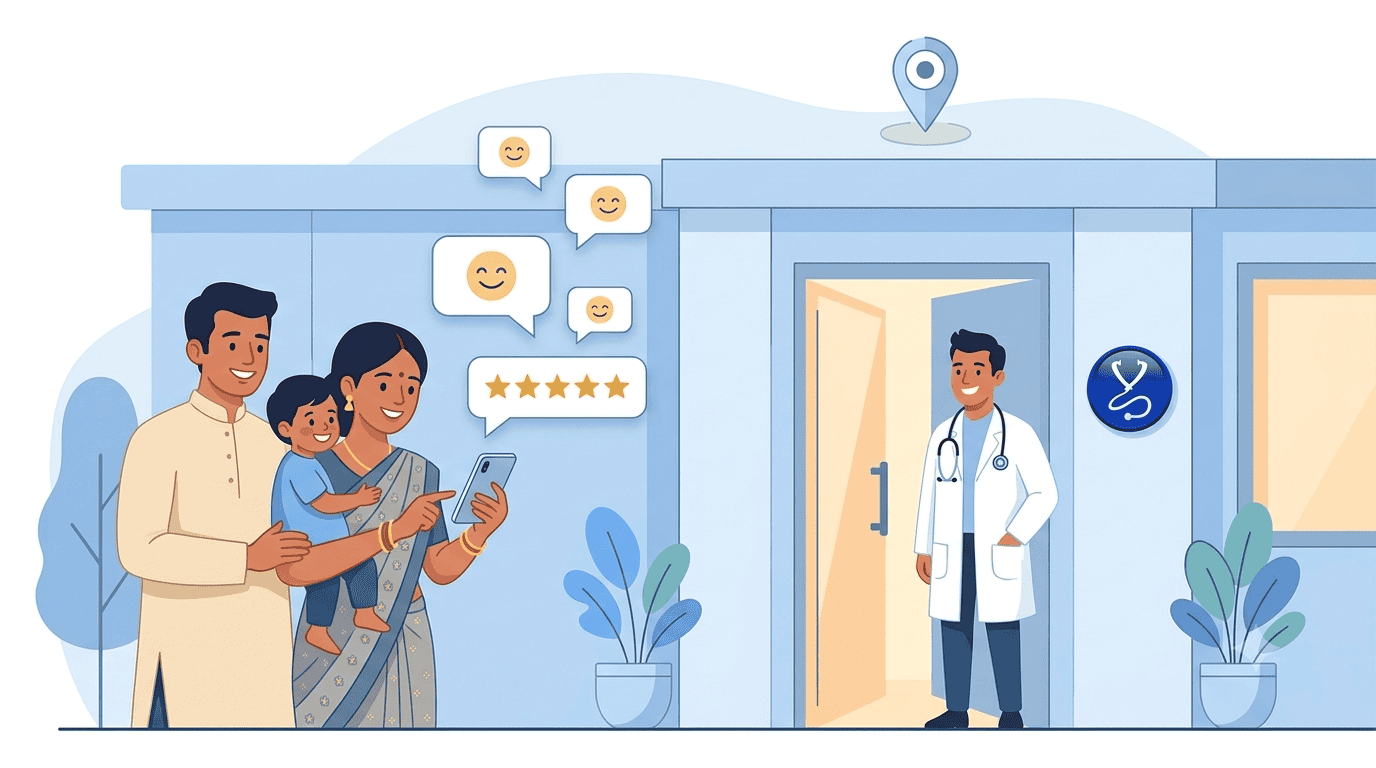
To make this feature work again, you need to set the Review URL for your Clinic / Hospital again in Settings -> Application Settings -> Review URL
If it is already set, save it again for the Review URL setup flow to start again.
Print Investigations Done and Investigations Advised Separately on Rx
This release allows you to print Investigations already done and new Investigations to be done by patient separately.
Click Settings -> Application Settings option.
If you want to print Investigations that have notes as Investigations already done by patient, Select ‘Print Investigations with Notes as Investigations Done’ option
Receipt Printing from Reception
Prior to this release, Reception staff could not generate an payment receipt for a payment in the past. Only current payment’s receipt generation was possible.
With this release, Reception staff can generate payment receipt for a previous payment.
However, please note, the generation of past payment receipts is only possible for payments captured after updating to this release.
Bug Fixes
WhatsApp icon click to message functionality was broken in earlier releases. It is fixed in this release.
When today’s visit was continued if the patient visited on same day, Copy Last Prescription copied same visit’s Rx instead of previous visit. This is now fixed.
Multiple bugs related to Receipt printing from Reception end are fixed.
IPD Improvements
Quick Discharge
We have introduced Quick Discharge to reduce time from Admission to Discharge even further.
Quick Discharge can be used when you want to create a quick Admission entry and Discharge in one go, without entering a detailed Admission entry.
Select a patient who is not admitted and tap Discharge option.
Admission entry form will open with minimal details and then the patient’s case would move to Discharge.
Use a Discharge template that is already saved and create the Discharge summary right away.
Improved search using Mobile Number of patient
Instead of entering complete mobile number the new search works with 7 or more digits in the mobile number for a partial match.
Bug Fixes
Fix for opening Patient Visits from OPD Screen of IPD